Ordering guide
Cooper’s Hawk Carryout vs. Delivery
Compare the same location, item, portion, and final checkout total before choosing pickup or delivery.
Browse the related menu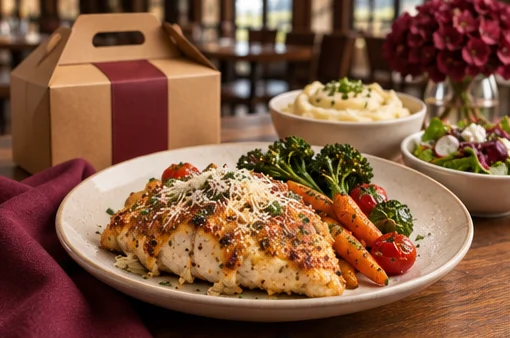
What to look for on the menu
Open official carryout and your delivery service for the same restaurant. Compare the exact dish and whether the same portion, sides, and modifications are available. A weekday lunch order can differ from a dinner order.
Before you order
Compare item subtotals plus taxes, service charges, delivery fees, discounts, and any tip you intend to pay. Contact the restaurant for pickup changes and use your delivery platform for orders placed through its app.
- Select the same restaurant in both ordering channels.
- Compare portion, sides, and available modifications.
- Compare both full checkout totals.
Check the official Cooper’s Hawk listing and your restaurant’s current details. See the related public source for additional context.
Frequently asked questions
Why can delivery cost more for the same dish?
Menus and fees can differ by channel. Compare the checkout totals for the same order.
Where can I check the full menu?
Compare categories and example prices on the Cooper’s Hawk menu homepage.
Leave a Reply