Cooper’s Hawk Menu Blogs
Practical guides for choosing a dish, comparing prices, and planning your next visit.
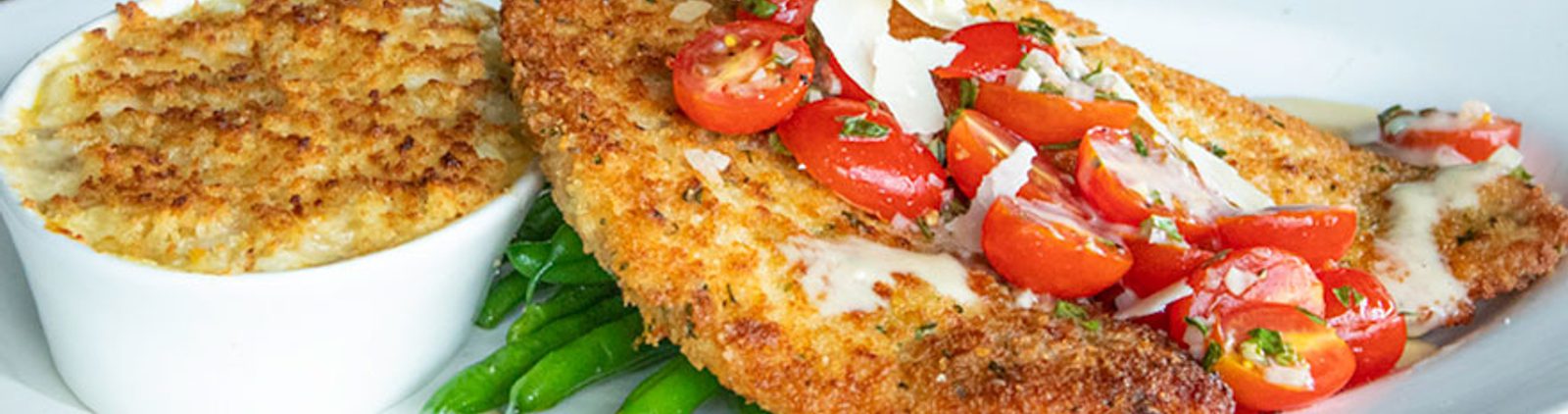
What to Order at Cooper’s Hawk on Your First Visit
Compare signature entrées, portion sizes, and sides before ordering.

Vegetarian and Vegan Options at Cooper’s Hawk
Start with the dish the official menu labels vegan on request, then check the preparation before you order.
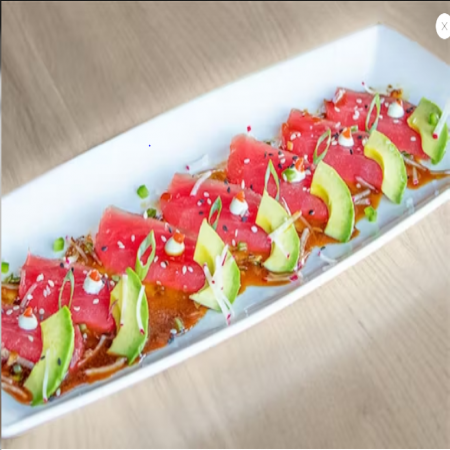
Cooper’s Hawk Life Balance Menu and Calories
Compare published calorie counts for dishes on the Life Balance menu.
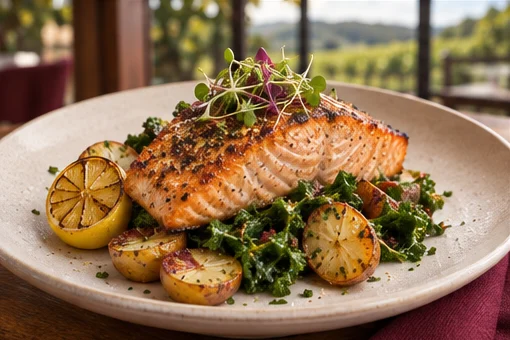
How to Order Gluten-Free at Cooper’s Hawk
Use the dedicated gluten-free menu and the allergen guide before ordering.
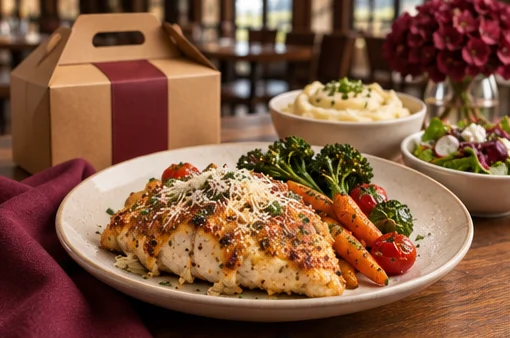
Cooper’s Hawk Carryout vs. Delivery
Compare the same location, item, portion, and final checkout total before choosing pickup or delivery.
Cooper’s Hawk Brunch vs. Wine O’Clock
Choose brunch for a main course or Wine O’Clock for afternoon drinks and small plates.
Find the right guide before you order
Decide what you need to compare
First-visit readers can start with signature dishes and decide whether to order a lunch portion, dinner entrée, or shared starter. If you already know the dish, use the menu section to check sides, example prices, and the wine pairing number.
Use dietary guides for the right preparation
The plant-based guide explains where to look for the vegan-on-request designation. The gluten-free overview points to the designated menu and allergen information. For calorie figures, check the Life Balance guide and match the exact portion to your order.
Compare ordering channels and visit times
Use the carryout and delivery comparison when the same dish looks different across platforms. For a visit, compare brunch with weekday Wine O’Clock to decide whether you want a full entrée or drinks and small plates. Check the selected location before you book.
Move from the guide to the menu
Each article links to relevant categories and official references. Use these guides to narrow your choices, then confirm the price and availability through your selected restaurant. If you are shopping for a limited-time offer, start with What’s New.
Choose a guide by the decision you face
Open the first-visit guide if you want a shortlist of dishes. Use the dietary guide that matches your needs if you have a particular preparation in mind. If you already know what you want and only need the final price, compare pickup and delivery using the same location and order.
Choose a starting point based on your question
For a first visit, begin with the ordering guide and compare a few mains by side, portion, and preparation. For a second visit, start with the dishes or service you want to try next, such as a brunch entrée or weekday happy hour. Use the comparison guide to see how those visits differ.
Separate ordering advice from the official listing
The blog articles help you decide what to check, then direct you to the menu and brand sources for current details. A delivery-app listing is an example of one channel. To make a useful comparison, check the same restaurant, dish, and modifications in both places.
Use dietary guides together with the menu
A vegan-on-request label tells you which preparation to request. Gluten-free ordering calls for checking a separate menu and asking the restaurant about preparation. The calorie guide answers a different question and should be used with the named portion on the menu.
Plan the next step
After reading one guide, choose the related menu that answers your immediate question. If the article mentions a limited-time feature, open What’s New and check the timing. If you want to budget a full meal, return to the homepage price comparisons before choosing the restaurant.
Explore related guides
Use the blog index to pick a starting point
If this is your first visit, start with the ordering guide and choose one or two dishes to compare. If you already know what you want to eat, go directly to the page covering that menu category or use the carryout comparison if the ordering method determines your choice. You do not need to read the entire index to answer one question. Start with the decision you need to make today.
Connect an article to a meal plan
Use a blog suggestion to narrow your choices, then compare the available sides, portions, and price examples on the related menu. If you are planning for several people, check the kids menu or dietary guide early. For a celebration, read the private dining or catering information before assuming the regular menu covers every service option you need. Confirm local availability when you have made a shortlist.
Compare dietary guides by their purpose
The plant-based guide helps identify a preparation to request. The gluten-free article points to the separate menu and the restaurant’s allergen information. The Life Balance guide helps compare listed calories for the named portions. Use the relevant article for the question you actually have. Follow its official link and ask the restaurant about any details that cannot be confirmed from a published listing.
Keep regular menus and promotions in context
A What’s New post covers seasonal features that can change quickly. A blog comparison explains how to choose between meal formats, interpret a claim, or verify an order. Use both if you want to try a new item, but check its current availability at your location. If it has ended, use the related menu page to choose a regular alternative before you go.
Find useful information for pickup and for dining in
The carryout and delivery article helps you compare the same order through different services. If you plan to dine in, use the first-visit and meal-period guides to decide what to look at before booking. In both cases, compare the actual item and portion, then use the restaurant’s current information to confirm price and availability before placing your order.
Practical questions before you order
Which guide should I read if I know the dish but want the best price?
Start with the menu category and select the restaurant. Then use the carryout comparison if the ordering channel matters. Compare the exact dish, side, and portion. Finish by checking the full cart total, including any charges that were not in the listed item price.
Which guide should I read if I am deciding when to visit?
Use the brunch and Wine O’Clock comparison, then check the restaurant’s own schedule. If your group wants a regular lunch or dinner, open the dine-in page and compare the service windows. Seasonal coverage belongs in What’s New and can have a separate availability period.